
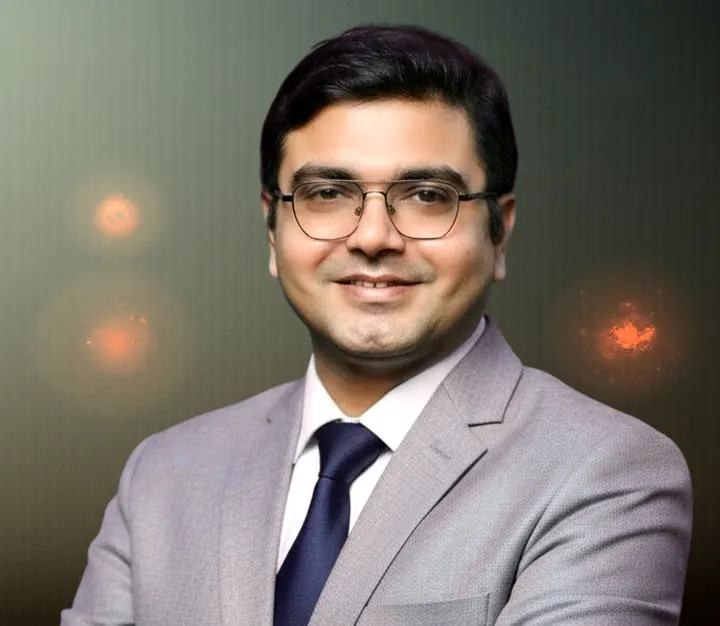
Dr. Jyoti Ranjan Mohanty
Editor-in-Chief, UJHSE
- 15+ years in public-health programmes and M&E
- State M&E Manager, HLFPPT–SSHAKTI (Global Fund)
- PhD & M.Phil (Public Health) · MPH
Documents & slides workshop
Master the Word features that make long documents behave — and design research presentations and posters that people remember.
Batches on request · ₹799 per participant
Heading styles, multilevel numbering and the navigation pane for long documents.
Table of contents, lists of tables and figures, captions and cross-references.
Roman and Arabic numbering, landscape pages and different first pages.
Working with Zotero or Mendeley in Word, track changes and comments with supervisors.
Slide structure, one idea per slide, charts and tables that read from the back row.
A0/A1 poster layout and a one-slide visual abstract in PowerPoint.
Bring: A laptop with Microsoft Word and PowerPoint (2016 or later). Bring a chapter of your own work if you have one.
Editor-in-Chief, UJHSE
Founder, Utkarsh Research Network
Live online in one day (about 5–6 hours with breaks). The joining link is emailed to you before the session.
Yes. Registered participants receive the session recording and an e-certificate of participation.
Tell us more than 7 days before the session for a 90% refund or a free move to the next batch; 3–7 days before for 50% or a move. Full terms are on the refund policy page.
You will learn to apply styles and automatic numbering to your own document; most people convert a chapter during the session.
The focus is Microsoft Word and PowerPoint, which most universities require for submission.
Tell us you want this workshop and we will reply within 24 hours with dates and joining details.
No payment now. A coordinator replies within 24 hours.
 Data skills
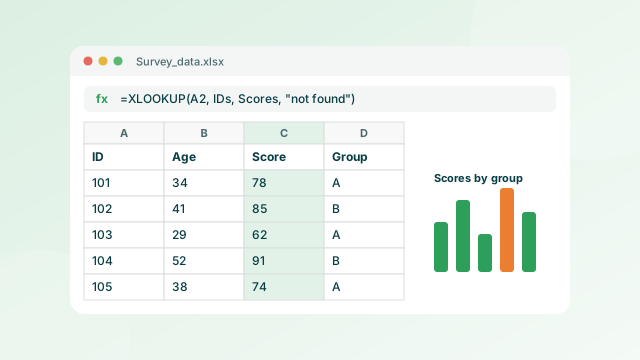
Advanced Excel for Research
Cleaning, formulas, pivot tables and publication-quality charts.
View workshop
Data skills
Advanced Excel for Research
Cleaning, formulas, pivot tables and publication-quality charts.
View workshop
 Dashboards
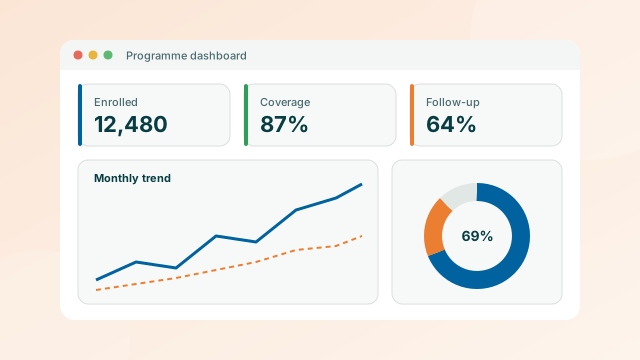
Power BI & Power Query Dashboards
Clean data with Power Query, model it, and build an interactive dashboard.
View workshop
Dashboards
Power BI & Power Query Dashboards
Clean data with Power Query, model it, and build an interactive dashboard.
View workshop
 Careers
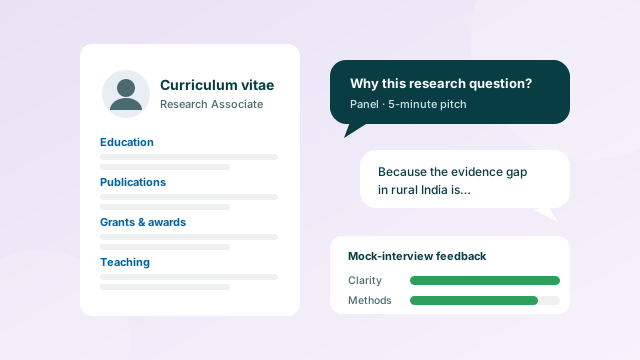
Interview Preparation
CV, research pitch, common questions and a mock interview with feedback.
View workshop
Careers
Interview Preparation
CV, research pitch, common questions and a mock interview with feedback.
View workshop
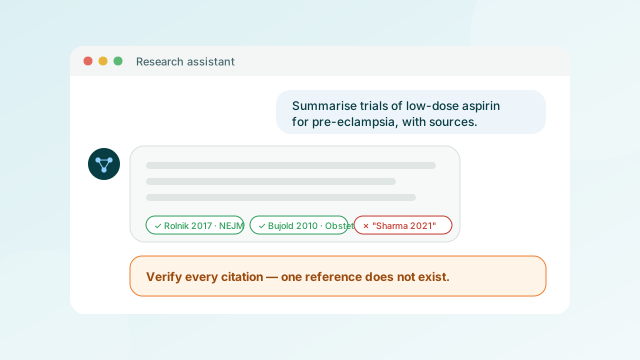 AI tools
AI in Academic Research
Literature search, reading, coding and writing with AI, within journal policies.
View workshop
AI tools
AI in Academic Research
Literature search, reading, coding and writing with AI, within journal policies.
View workshop