
Dr. Jyoti Ranjan Mohanty
Editor-in-Chief, UJHSE
- 15+ years in public-health programmes and M&E
- State M&E Manager, HLFPPT–SSHAKTI (Global Fund)
- PhD & M.Phil (Public Health) · MPH
Dashboards workshop
From raw Excel or CSV files to an interactive Power BI dashboard — for research projects, departments and programme monitoring.
Batches on request · ₹1,499 per participant
Excel, CSV and folder imports; understanding the Power BI workflow.
Remove errors, split and merge columns, unpivot, and save repeatable steps.
Tables, relationships and a simple star schema that keeps reports fast.
Counts, sums, percentages and month-on-month change with a handful of core formulas.
Cards, charts, maps, slicers and drill-downs laid out as a clear dashboard.
Refreshing data, exporting to PDF/PowerPoint and options for sharing within your organisation.
Bring: A Windows laptop with Power BI Desktop installed (free from Microsoft). Mac users can join using a Windows virtual machine or a colleague's PC.
Editor-in-Chief, UJHSE

Founder, Utkarsh Research Network
Live online in one day (about 5–6 hours with breaks). The joining link is emailed to you before the session.
Yes. Registered participants receive the session recording and an e-certificate of participation.
Tell us more than 7 days before the session for a 90% refund or a free move to the next batch; 3–7 days before for 50% or a move. Full terms are on the refund policy page.
Power BI Desktop is free to download and is all you need for this workshop. Publishing to the online service may need a licence from your organisation.
Comfort with basic Excel helps. If you are new to spreadsheets, take the Advanced Excel workshop first.
Tell us you want this workshop and we will reply within 24 hours with dates and joining details.
No payment now. A coordinator replies within 24 hours.
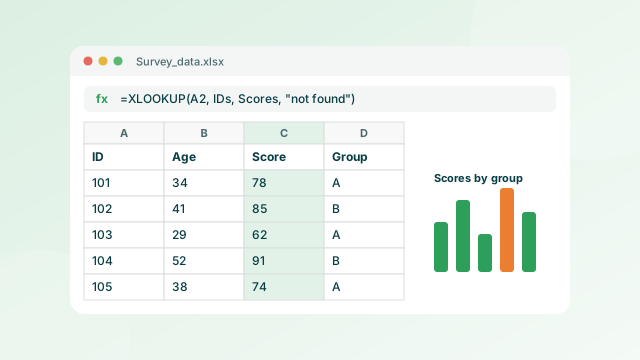 Data skills
Advanced Excel for Research
Cleaning, formulas, pivot tables and publication-quality charts.
View workshop
Data skills
Advanced Excel for Research
Cleaning, formulas, pivot tables and publication-quality charts.
View workshop
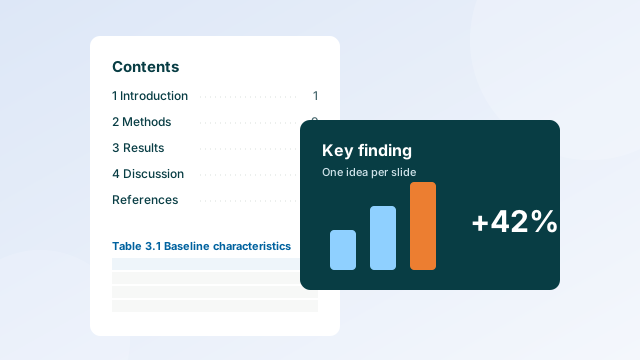 Documents & slides
Word & PowerPoint for Research
Thesis formatting that updates itself, plus slides and posters that land.
View workshop
Documents & slides
Word & PowerPoint for Research
Thesis formatting that updates itself, plus slides and posters that land.
View workshop
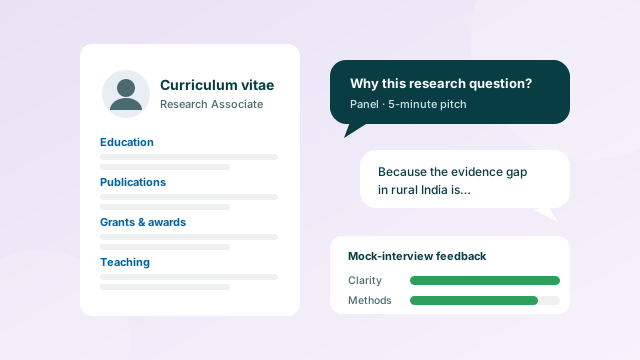 Careers
Interview Preparation
CV, research pitch, common questions and a mock interview with feedback.
View workshop
Careers
Interview Preparation
CV, research pitch, common questions and a mock interview with feedback.
View workshop
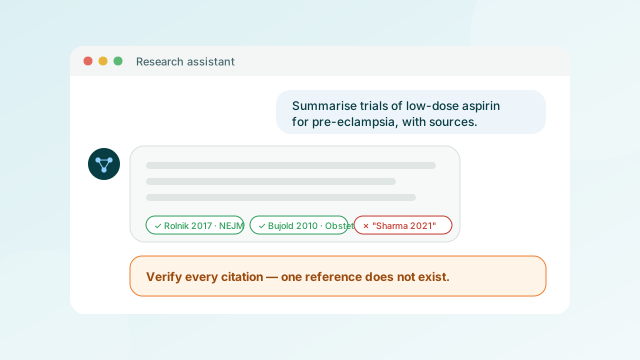 AI tools
AI in Academic Research
Literature search, reading, coding and writing with AI, within journal policies.
View workshop
AI tools
AI in Academic Research
Literature search, reading, coding and writing with AI, within journal policies.
View workshop